
First steps with Filmotech
When you first launch Filmotech, a wizard will guide you to create your database and add your first movie.
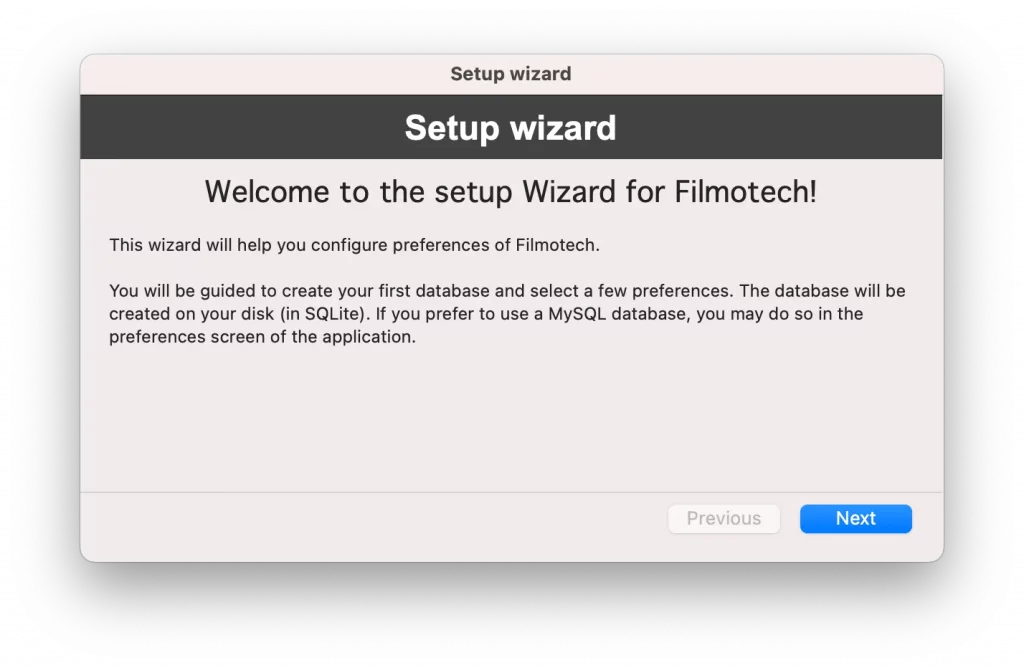
Click Next to begin.
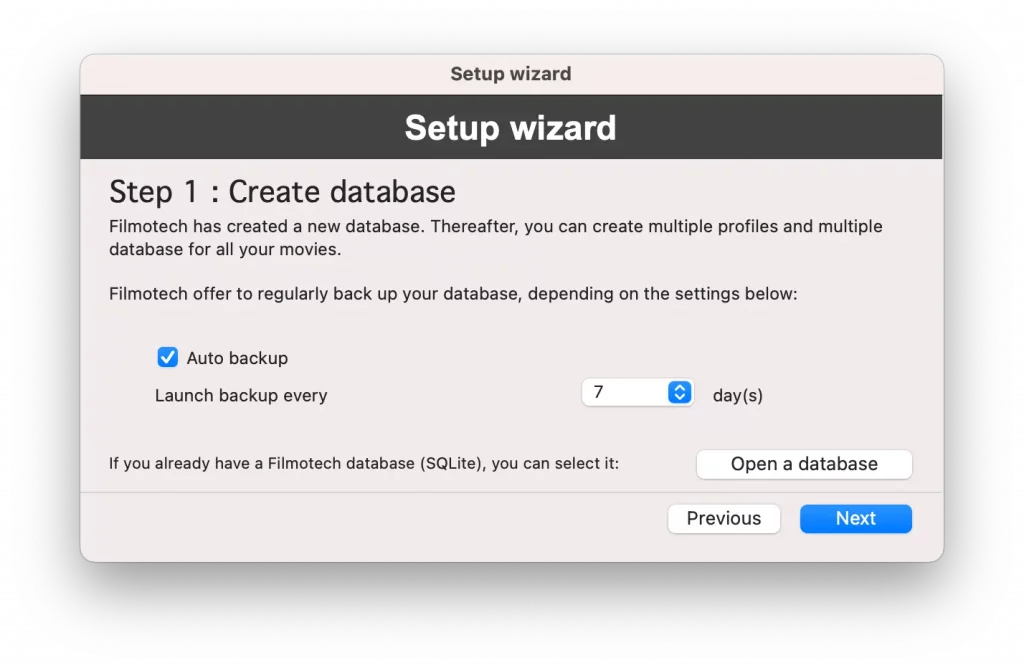
You have created the database for your movies. If you wish, you can set the frequency of backups. If you already have a Filmotech database, you can select it by clicking Open a database. Click Next to move to the next step.
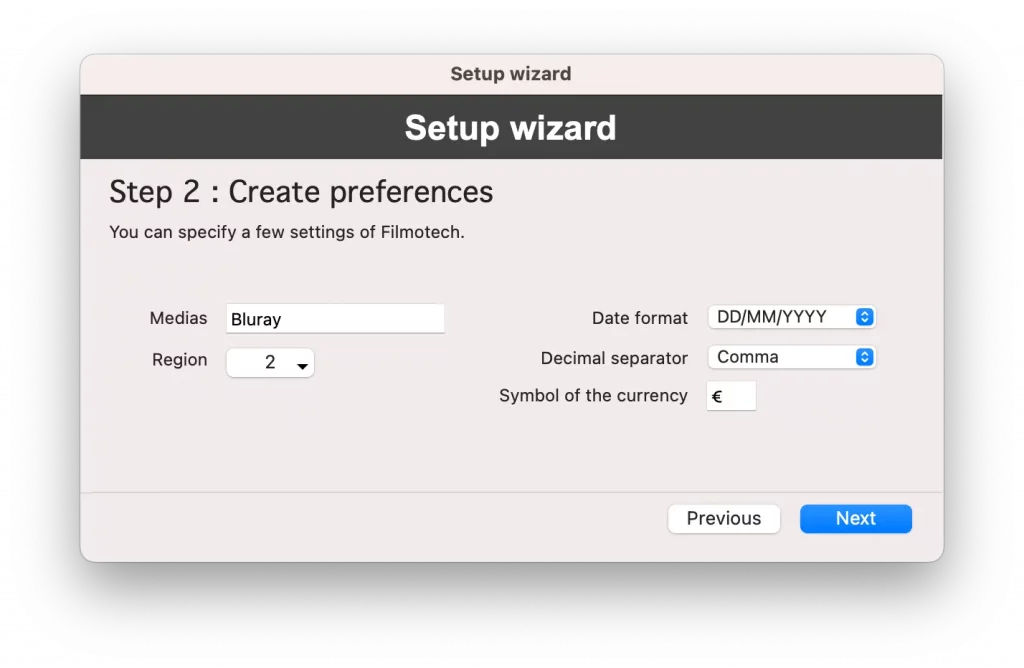
In this step you can specify some default values. Click Next to move to the next step.
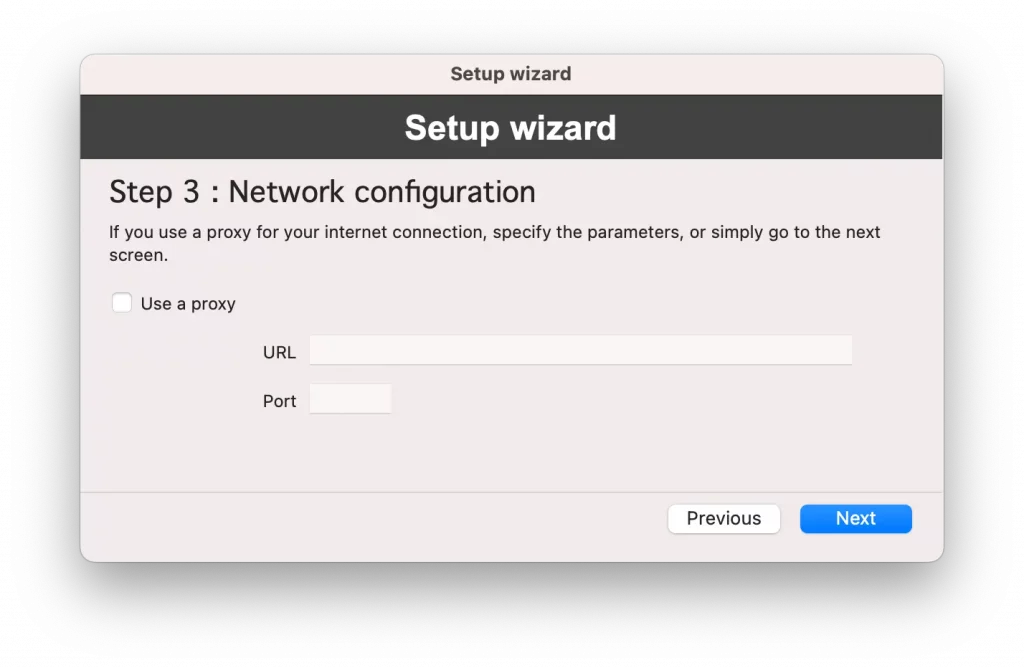
If you are behind a proxy (which is often the case in business for example), complete this screen. Otherwise just click Next to move to the last step.
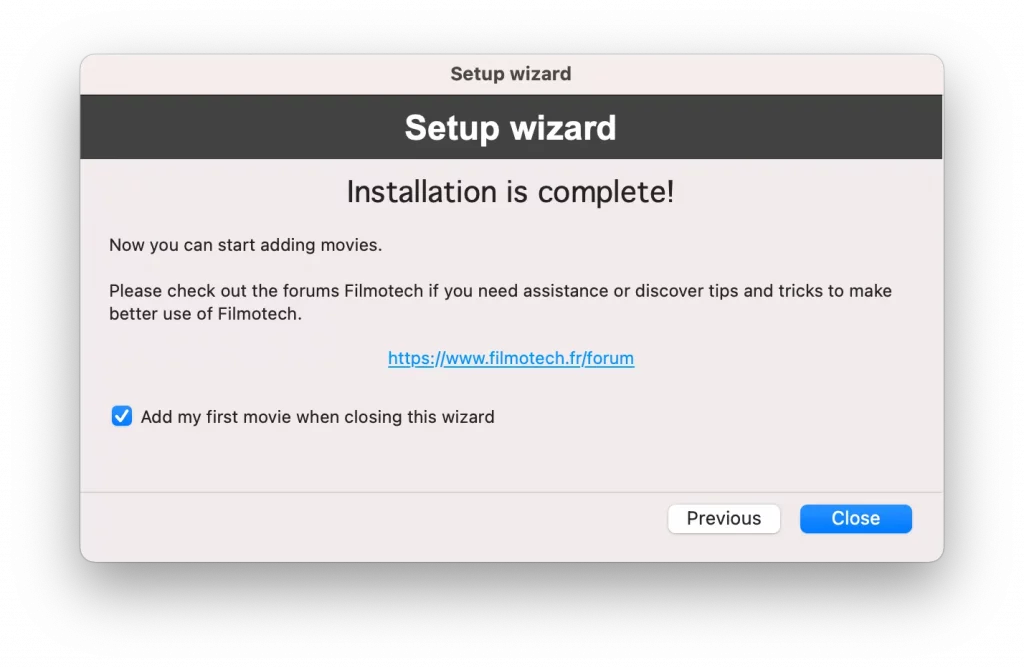
And that’s it, the installation is complete. You can then, if you wish, add your first film. To do this, select Add my first movie when closing this wizard and click Close.
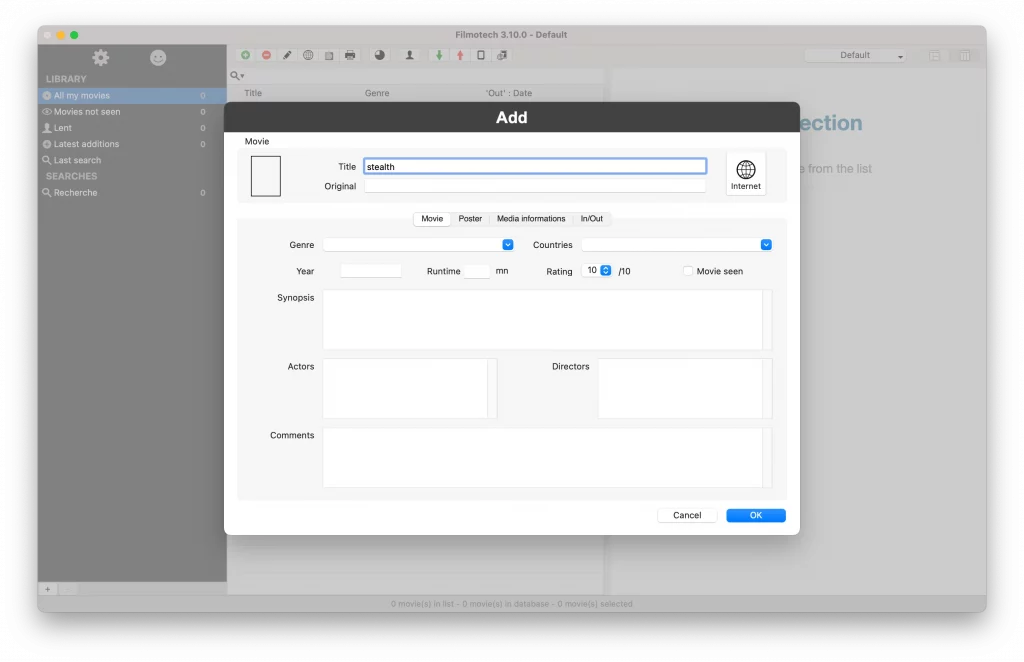
Enter the title of the movie, and then click the Internet button. The Internet search is automatically launched. By default, the title is displayed and the search is done on the selected site (TMdb.com).
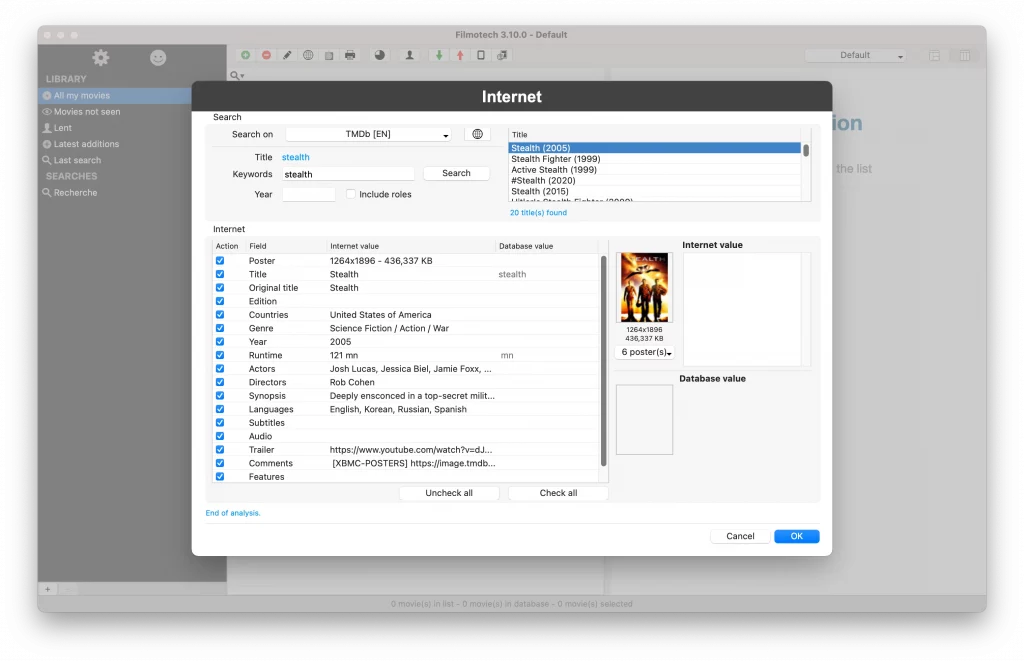
Select a movie in the list, the details are displayed, and then confirm by clicking OK.
The information is listed on the main window. Your movie is saved in the database.
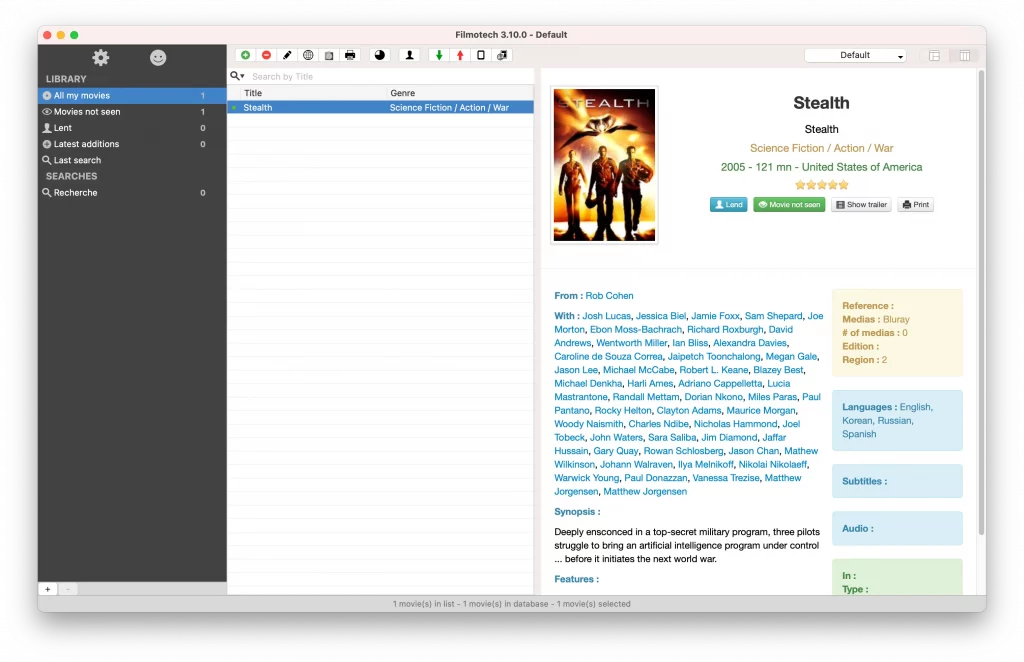
And voila, you have saved your first movie!
You can now explore the features of Filmotech!